Menu structure
Group curries, starters, breads, rice, drinks and deals logically so staff can find items quickly during a telephone or counter order.
Independent Indian takeaways
Keep collection, delivery, meal choices and kitchen instructions clear on a locally installed Windows till—without a compulsory software subscription.
Why a generic till can struggle
Indian takeaway menus often combine sizes, proteins, sauces, rice or naan choices, spice preferences and optional extras. Add telephone orders, collection times and delivery details, and a simple product grid can become difficult for staff and kitchen teams to follow.
A suitable EPOS setup should reduce ambiguity. The confirmed order needs to show what was selected, which choices affect preparation, how the customer will receive it and what has already been paid.
A practical workflow
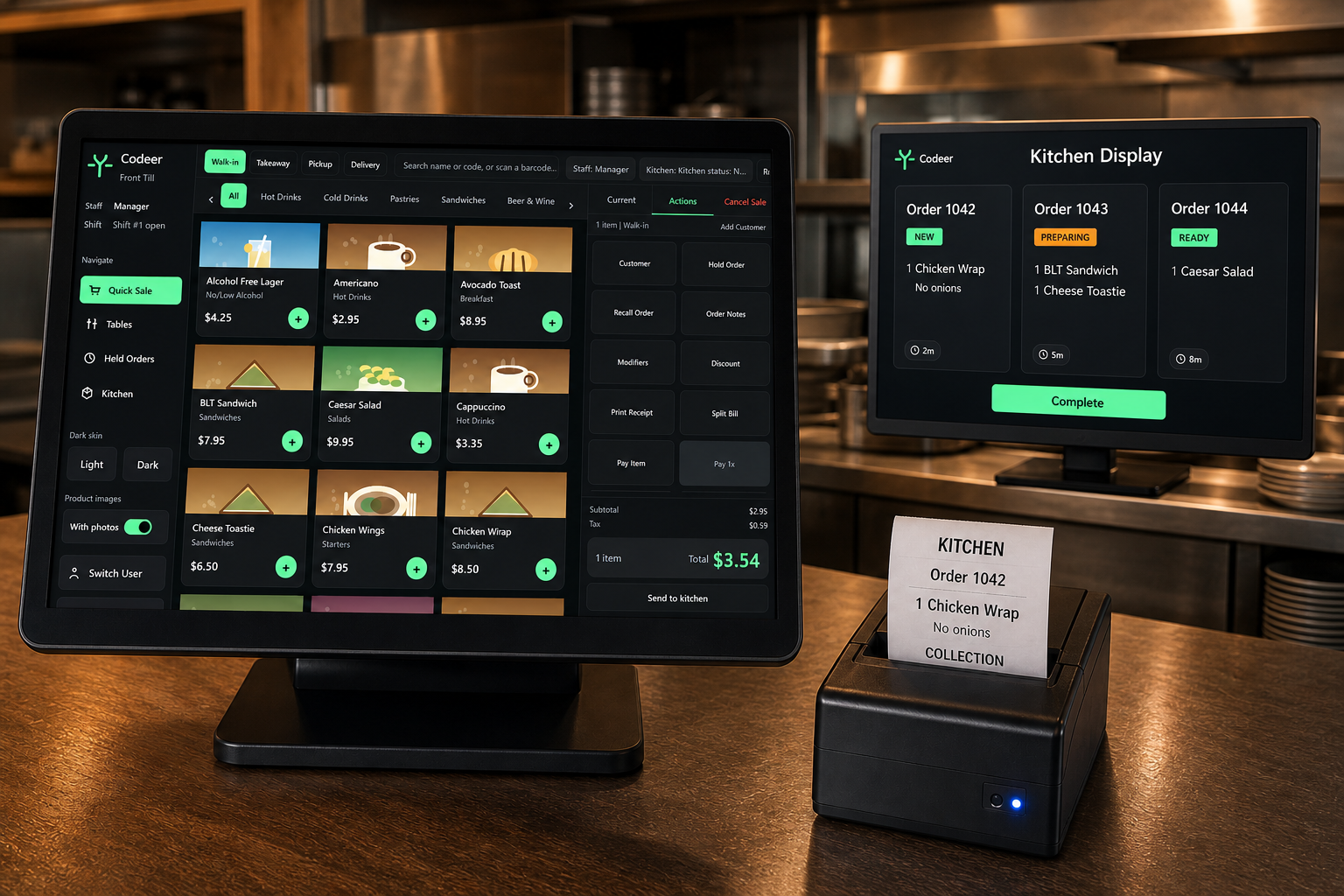
Group curries, starters, breads, rice, drinks and deals logically so staff can find items quickly during a telephone or counter order.
Use clear options for common choices and retain a specific note when an order needs individual kitchen attention.
Keep the fulfilment method and agreed timing visible instead of relying on a separate handwritten reminder.
Give the preparation team a consistent confirmed order, including the choices and notes that matter.
Record the transaction cleanly and avoid mixing operational order details with the payment process.
Review sales and payment totals through a repeatable end-of-day reconciliation.
What “free” means
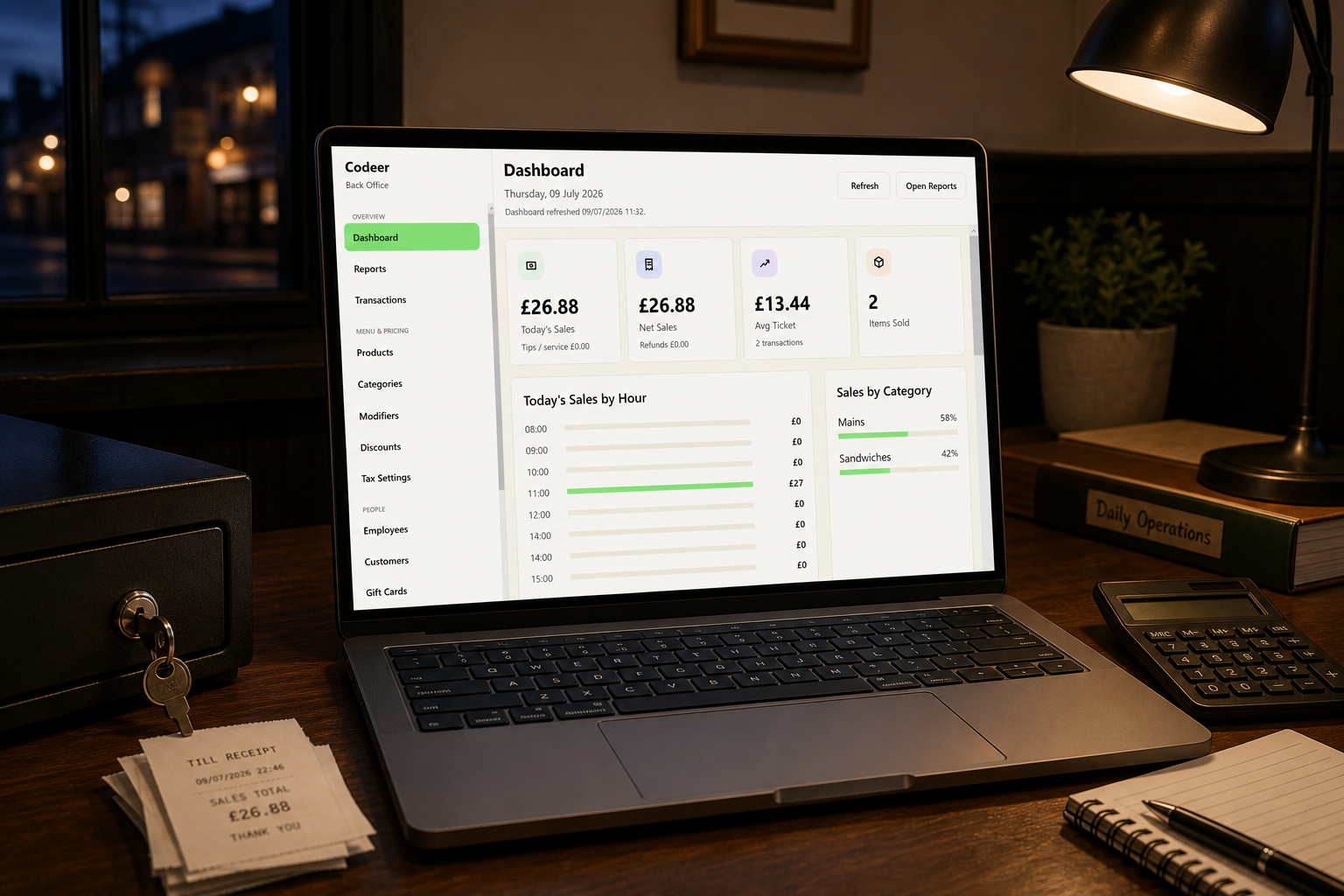
Before committing, test several real orders: a meal deal, multiple mains with different choices, an allergy note, a collection order and a delivery order. Then print the kitchen ticket and complete the end-of-day report.
Buying questions
It should make combinations, sizes, spice choices, extras, collection and delivery details clear without forcing staff to rewrite the order for the kitchen.
The locally installed Windows EPOS application is available for £0. Hardware, payment processing, installation and optional cloud access are separate choices.
The main Codeer application runs locally on Windows. Card terminals and other connected services can have their own connectivity requirements.
Codeer-assisted setup can structure the till around the menu and ordering workflow you agree before installation. Complex menus should be reviewed with real example orders.
See it with your own menu
Tell us how you take orders and provide a representative menu. We can discuss whether the workflow is a suitable fit before arranging installation.
Start your setup request