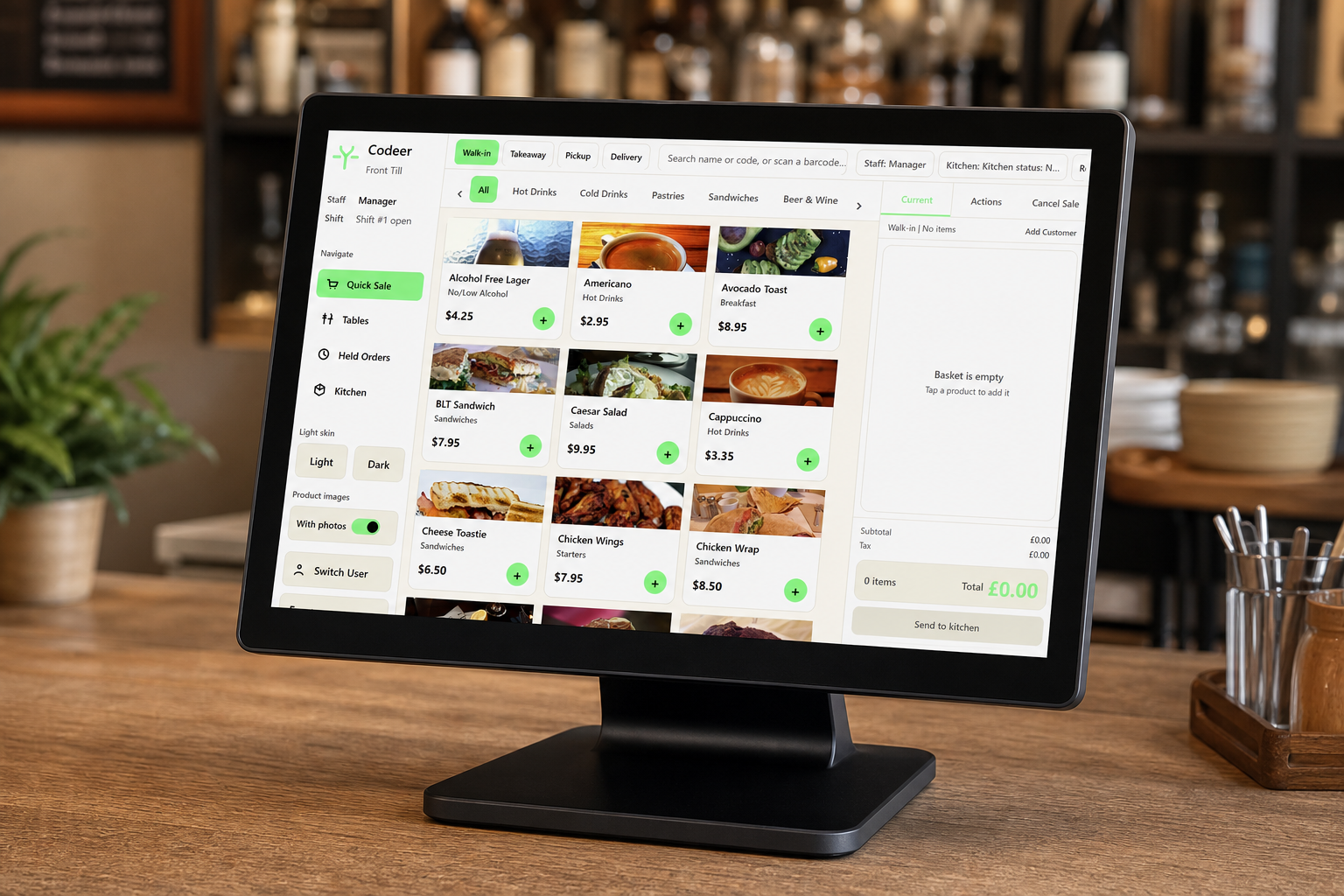
The best EPOS system for a small pub is not necessarily the system with the longest feature list. It is the one your team can operate quickly on a Friday night, that keeps working when connectivity is unreliable and that produces numbers you can reconcile after closing.
Start with the busiest ten minutes
Watch how orders move across the bar during your busiest period. Count the steps needed to:
- Open and recall a tab
- Add another round
- Split or partially settle a bill
- Apply a staff-authorised discount
- Move an item between tabs
- Print or reprint a receipt
- Correct a mistake without deleting the audit trail
A good demonstration should use these real tasks, not a supplier’s idealised sample menu.
Pub features that genuinely matter
Fast product entry
Popular drinks should be accessible with large, logically grouped buttons. Staff should not need to search through several screens for routine products. Product variants—such as single and double measures—must be unambiguous.
Tabs and table accounts
Tabs need clear names or table references, visible running totals and controlled transfer or merge functions. The system should show who opened and edited a tab.
Resilient trading
Ask what happens when the broadband connection drops. “Offline mode” can mean anything from full local selling to a screen that records only a limited transaction. Test the exact behaviour, including printing and card payments.
Price schedules
If you run happy hours, member prices or event pricing, scheduled changes should be reliable and easy to review before they activate. Manual price changes create mistakes and inconsistent margins.
Staff permissions
Refunds, voids, discounts and no-sale drawer openings should require an appropriate permission or manager approval. Reports should separate genuine corrections from suspicious activity.
End-of-day reporting
A small pub normally needs:
- Sales by product, category and payment type
- Cash expected versus cash counted
- Card totals that can be compared with the processor settlement
- Discounts, refunds and voids
- VAT totals by rate
- Staff or till-session activity
Run a sample close-out during the demonstration. A report is only useful if the person closing the venue can understand and repeat it.
Hardware for a small bar
One well-positioned till may be sufficient for a quiet venue; a busy bar needs redundancy. Consider what happens if the only terminal or printer fails. A modest spare printer or second selling point may be more valuable than a sophisticated optional module.
Use the complete EPOS hardware checklist when planning terminals, printers, cash drawers, networking and power protection.
Questions to ask suppliers
- Can we trade and print receipts without internet access?
- Can we use our preferred card provider?
- How are open tabs protected at shift changes?
- Can happy-hour pricing start and stop automatically?
- What support is available on Friday and Saturday evenings?
- How quickly can a failed terminal be restored?
- Can we export all sales and product data?
- What is the complete cost over three years?
A sensible buying decision
Shortlist systems that handle your real bar workflow, then compare reliability, support and total cost. Involve at least one experienced member of bar staff in the test; they will spot friction that is invisible in a feature comparison.
For the underlying architecture decision, compare cloud and offline EPOS. For closing procedures, read EPOS reporting, VAT and end-of-day reconciliation.