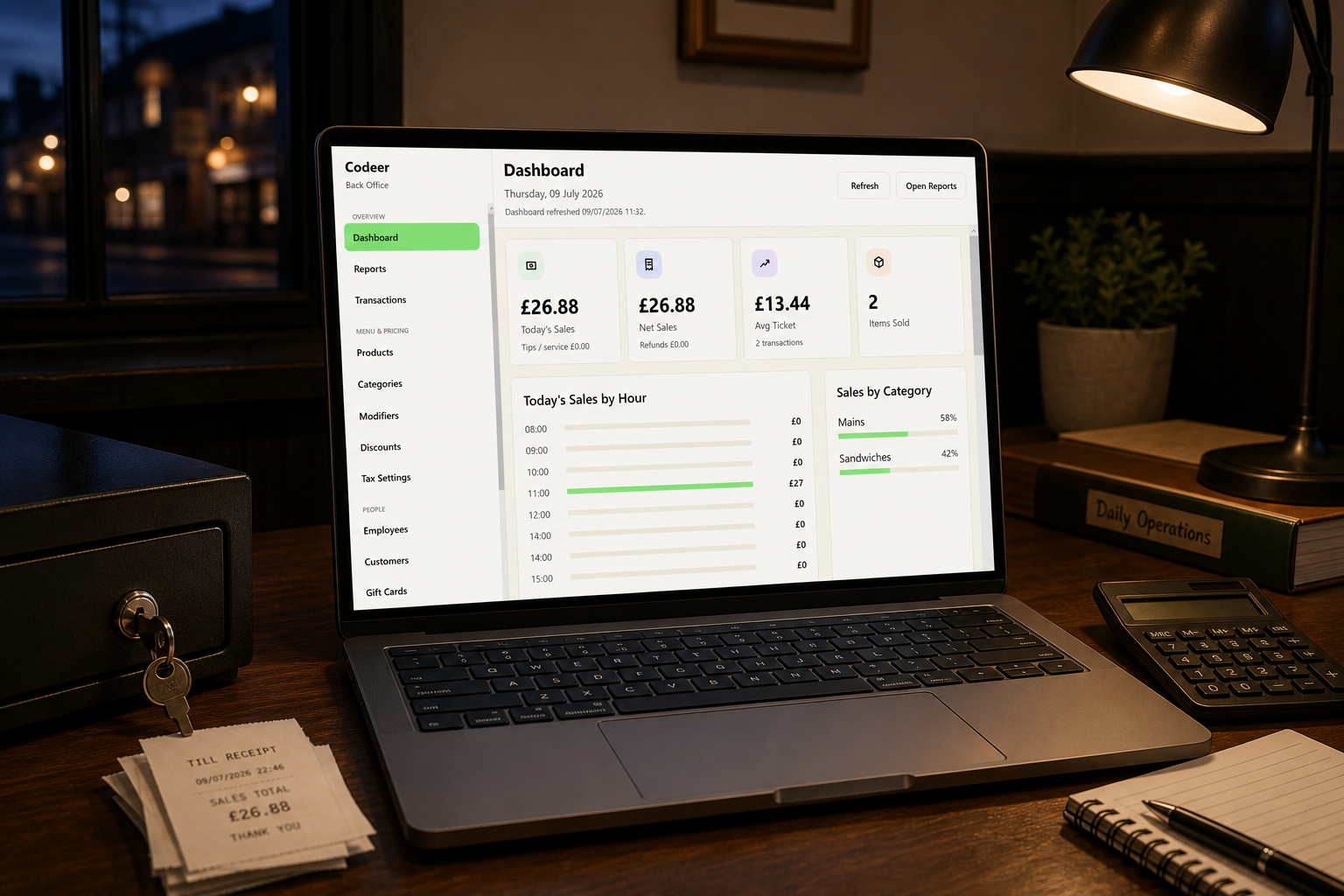
End-of-day reconciliation confirms that the sales recorded by the EPOS system agree with the money received and explains any difference. It should be a documented routine, not an attempt to remember what happened after a difficult shift.
This guide describes an operational process, not tax advice. Your accountant or adviser should confirm the VAT treatment and records appropriate to your business.
The records you are comparing
A close-out normally connects:
- EPOS sales by payment type
- Physical cash counted
- Card-terminal or processor totals
- Refunds, voids and discounts
- Paid-outs or cash movements
- VAT totals by category
- Delivery-platform or online-order records
- Accounting exports
The trading date and cut-off time must be consistent. Card settlements may combine or split days differently from the venue’s till close.
A repeatable closing procedure
1. Stop or separate new trading
Make sure transactions are not being added while the report is run and cash is counted. If the venue trades across midnight, define which business date receives late transactions.
2. Close open orders
Review tabs, tables and suspended transactions. Do not simply delete unexplained open orders. Settle, transfer or document them according to the venue’s procedure.
3. Record refunds, voids and discounts
Review exceptional activity with the employee or manager responsible. The report should show the user, time, reason and authorisation where possible.
4. Count cash independently
Count the drawer away from customers and record the amount before comparing it with the expected figure. Subtract the opening float and account for documented cash paid in or out.
5. Compare card totals
Compare the EPOS card total with the terminal or processor batch. Investigate:
- A payment entered on the till but declined on the terminal
- A successful terminal payment recorded as cash
- Duplicate payment
- Refund appearing on only one system
- Tips or cashback handled differently
6. Record and approve variances
Small differences should not be silently overwritten. Record the amount, likely reason, person completing the close and manager approval. Repeated small variances can reveal training or process problems.
7. Secure and export the records
Save the close report, variance record and relevant processor summary according to the business’s record-keeping policy. Test that exported information can be opened and restored.
VAT reporting
An EPOS system should group sales by the configured VAT categories and show gross, net and tax amounts where required. Accuracy depends on correct product configuration and consistent transaction handling.
Review VAT mappings when:
- New products are added
- Eat-in and takeaway options change
- A temporary promotion is introduced
- Bundles combine differently treated products
- Tax rules or business circumstances change
Do not treat the till configuration as the final authority. Retain the supporting decisions and reconcile EPOS figures with accounting records.
HMRC provides guidance on keeping VAT records and Making Tax Digital for VAT.
Reports worth retaining
- Daily sales summary
- Payment-type report
- VAT or tax summary
- Refund, void and discount report
- Cash-drawer or till-session report
- Product/category sales
- User activity or audit report
- Export confirmation
Retention periods and exact evidence requirements should be confirmed with your accountant.
Weekly review
Daily closing detects individual differences. A weekly review detects patterns:
- Repeated variances on one till or shift
- High refund or void activity
- Products sold at unexpected VAT rates
- Increasing card settlement differences
- Manual discounts replacing proper promotions
- Missing close reports
Assign ownership. A report nobody reviews is not a control.
Build this process during EPOS setup, before staff develop inconsistent closing habits. If you are choosing software, ask the supplier to demonstrate a complete reconciliation using realistic cash, card, refund and variance examples. Codeer's pub and bar EPOS software is designed to keep the local till and closing figures available throughout a busy shift.