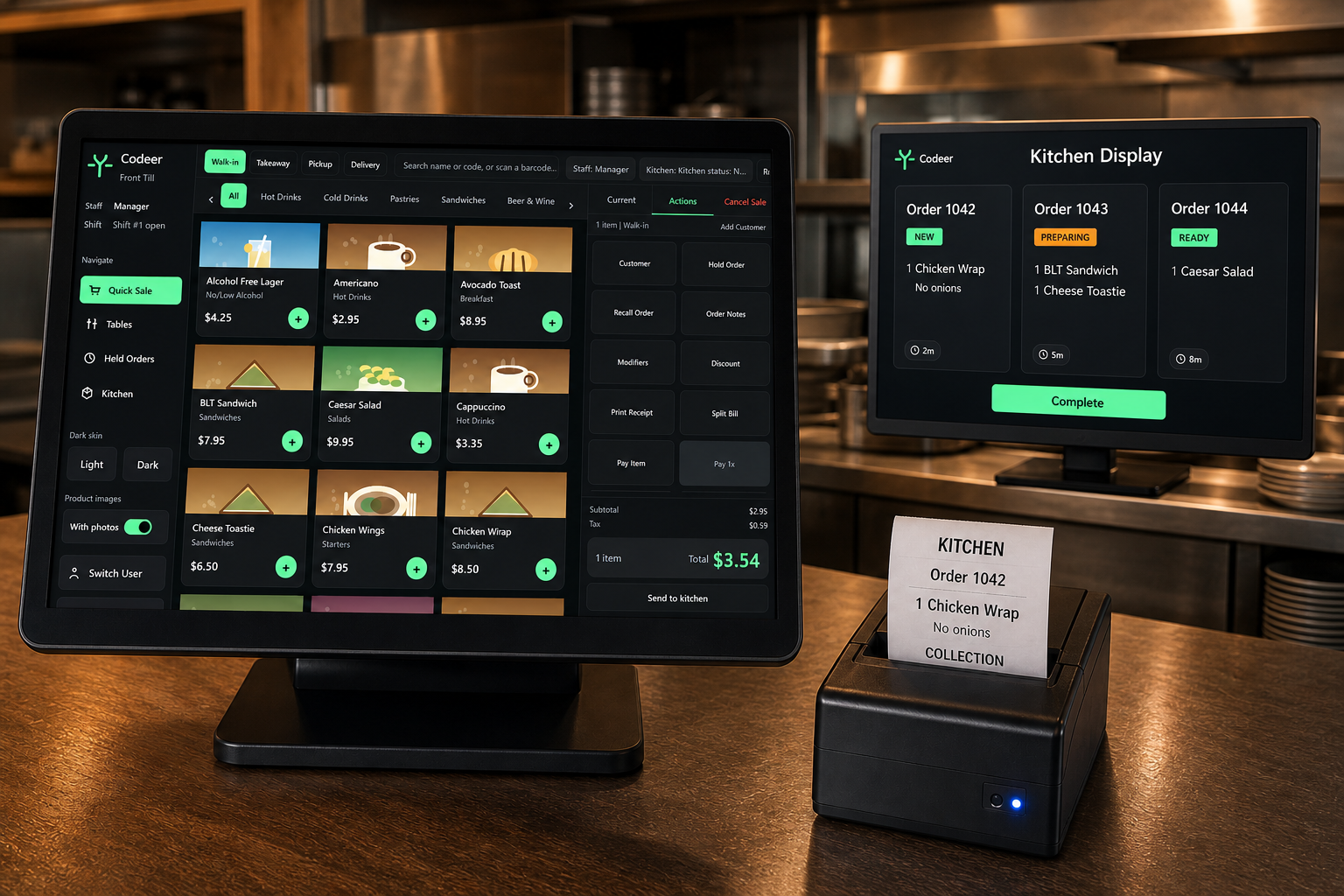
Run the restaurant till locally on your own compatible Windows device.
Free restaurant EPOS for Windows
Free restaurant EPOS software for Windows
Run tables, walk-ins, takeaways, menus, kitchen orders, receipts and reports from one capable Windows till for £0. Codeer Restaurant EPOS works locally on your own device, with optional cloud access only when you need it.
No payment card · Free Windows licence · Installed with Codeer support
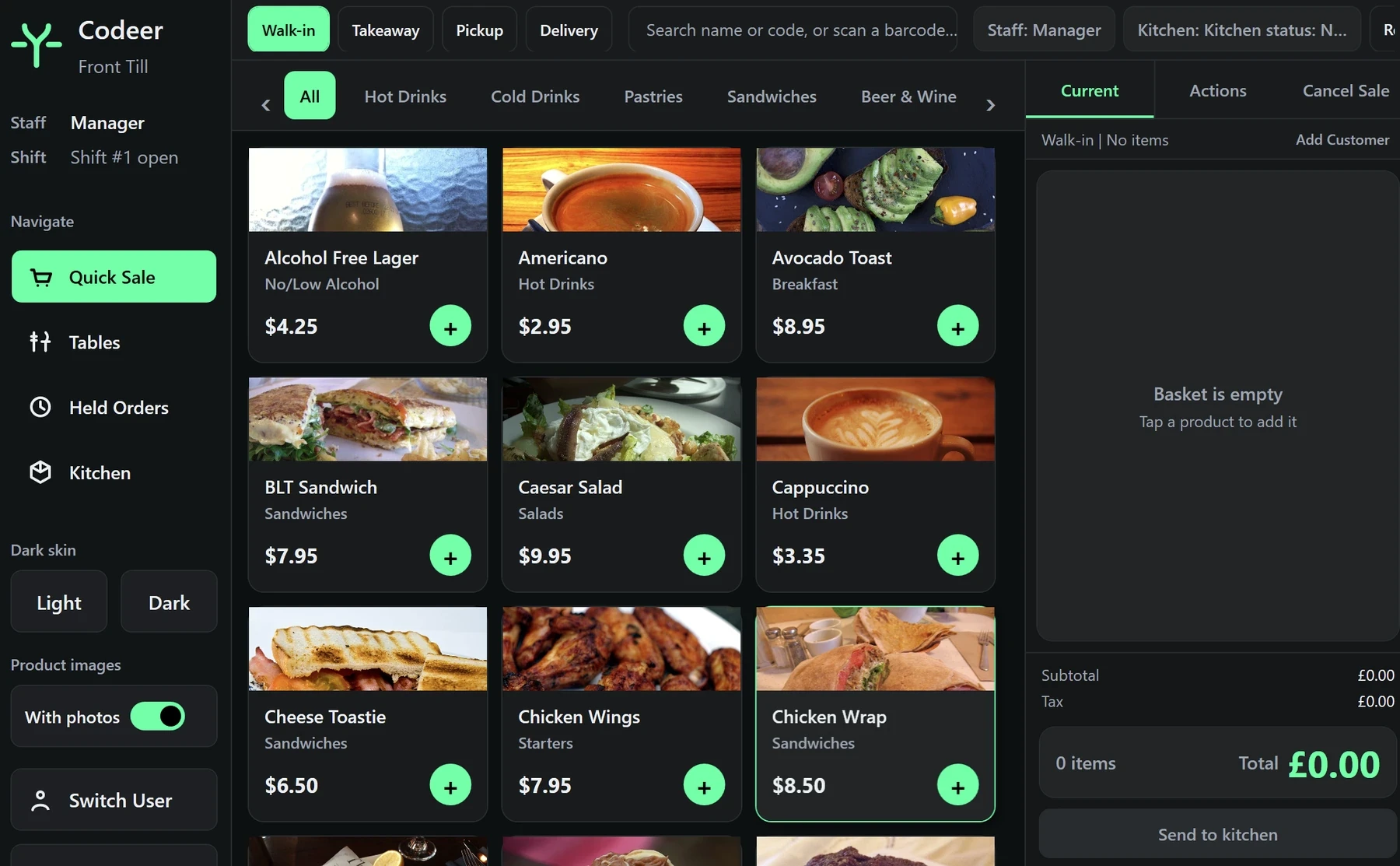
Codeer Restaurant EPOS · Front tillWindows · Local mode
Add backup, synchronisation and remote reporting when you need them.
Choose a prepared touchscreen till, cash drawer and receipt printer setup.
Choose your hospitality business
View all EPOS optionsRestaurant software that fits the way service actually runs
This is not generic retail software with a restaurant label added. The workflow is organised around orders, tables, modifiers, kitchen communication and closing a shift cleanly.
Tables, walk-ins and takeaway
Keep table service, counter sales, collection and delivery orders in the same EPOS system. Staff can open a table, hold an order, add notes and move between service types without rebuilding the basket.
Modifiers and kitchen flow
Add cooking instructions, choices and course notes at the till, then send clear orders through to the kitchen. The workflow reduces retyping and keeps front of house and food preparation aligned.
Menus, products and staff
Manage products, categories, prices, staff access and quick keys from one straightforward workspace. Make daily menu changes without waiting for a support ticket.
Receipts and local reporting
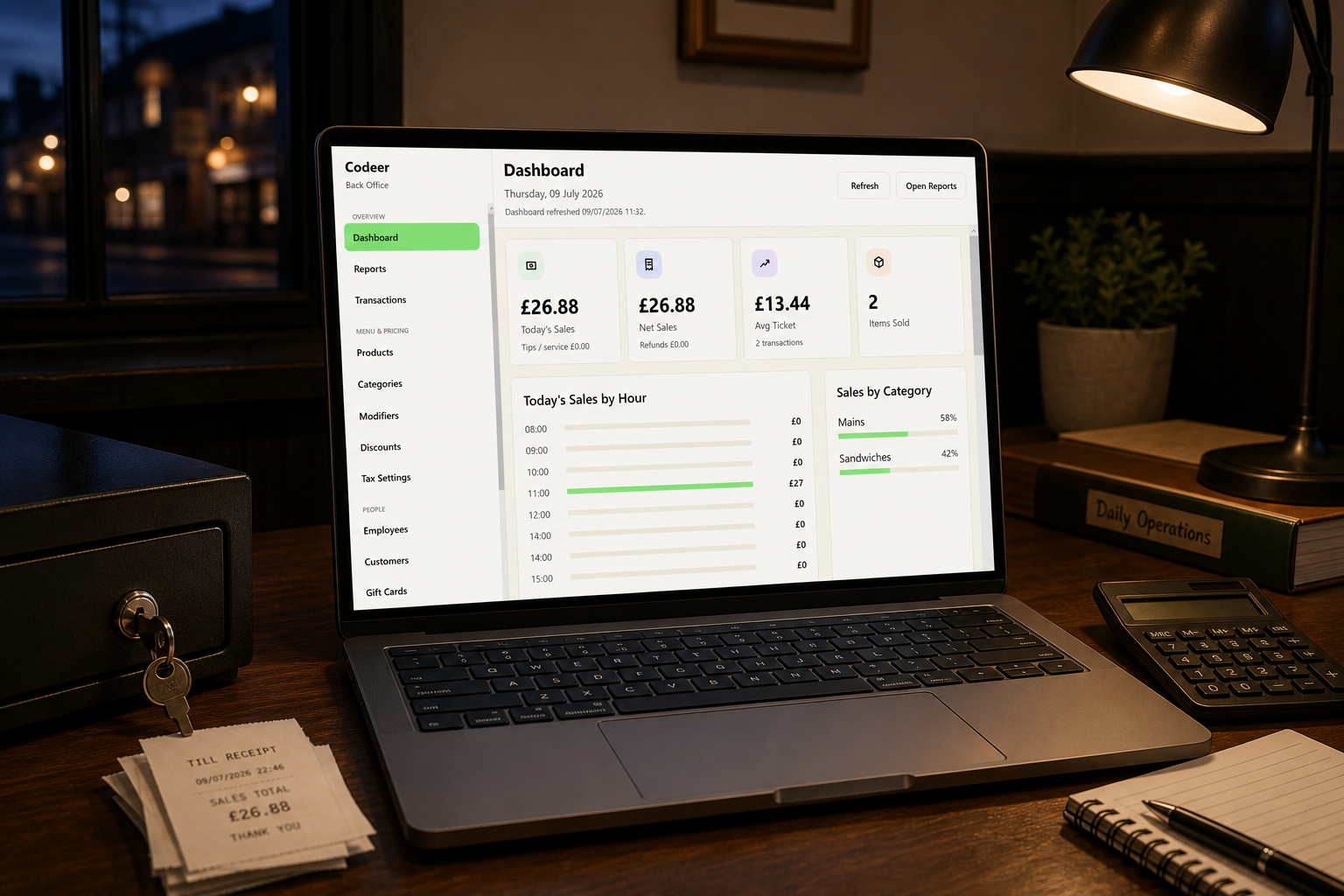
Review transactions, sales by hour, average ticket and category performance from the till. Optional cloud access adds remote reporting and synchronisation without making the free local software dependent on it.
Practical EPOS for independent restaurants
Codeer is designed for UK restaurants that need clear service workflows without committing to another monthly software bill.
Restaurants and bistrosCasual dining venuesSmall hotels with diningPop-ups and supper clubsTable and counter serviceIndependent hospitality groups
Free restaurant EPOS questions
Is Codeer Restaurant EPOS really free?
Yes. The core Windows till is £0 to run locally. There is no monthly charge for the core software. You only pay if you choose optional £10/month cloud access, Codeer hardware or additional services.
How do I get the restaurant EPOS software installed?
Submit the installation request and Codeer will contact you to arrange the Windows setup. The self-service installer is not open yet, and no payment card is required.
Does it support tables and takeaway orders?
Yes. The till is designed to handle table service, walk-ins, collection and delivery order types from the same workspace.
Can I use my existing computer?
Yes, if it is a compatible 64-bit Windows 10 or Windows 11 device. You can also choose a complete Codeer touchscreen EPOS hardware setup.
What does the £10 cloud option add?
Cloud access adds online backup, synchronisation and remote reporting. It is optional, and the free local Windows till does not stop working if you do not subscribe.
Does the till work without the internet?
The core till is designed to run locally, so day-to-day selling is not dependent on a constant cloud connection. Online services naturally require internet access.
Request your free restaurant EPOS installation
Tell us about your restaurant and Codeer will contact you to arrange a supported Windows installation. You can also register interest in cloud access, hardware and card terminals.